What you need
macOS 14 Sonoma or later, on Apple silicon or Intel. No other software and no account.
For macOS 14 or later, on Apple silicon and Intel. Signed by its developer and notarized by Apple.
The first release is nearly ready. Questions in the meantime? Send us a message.
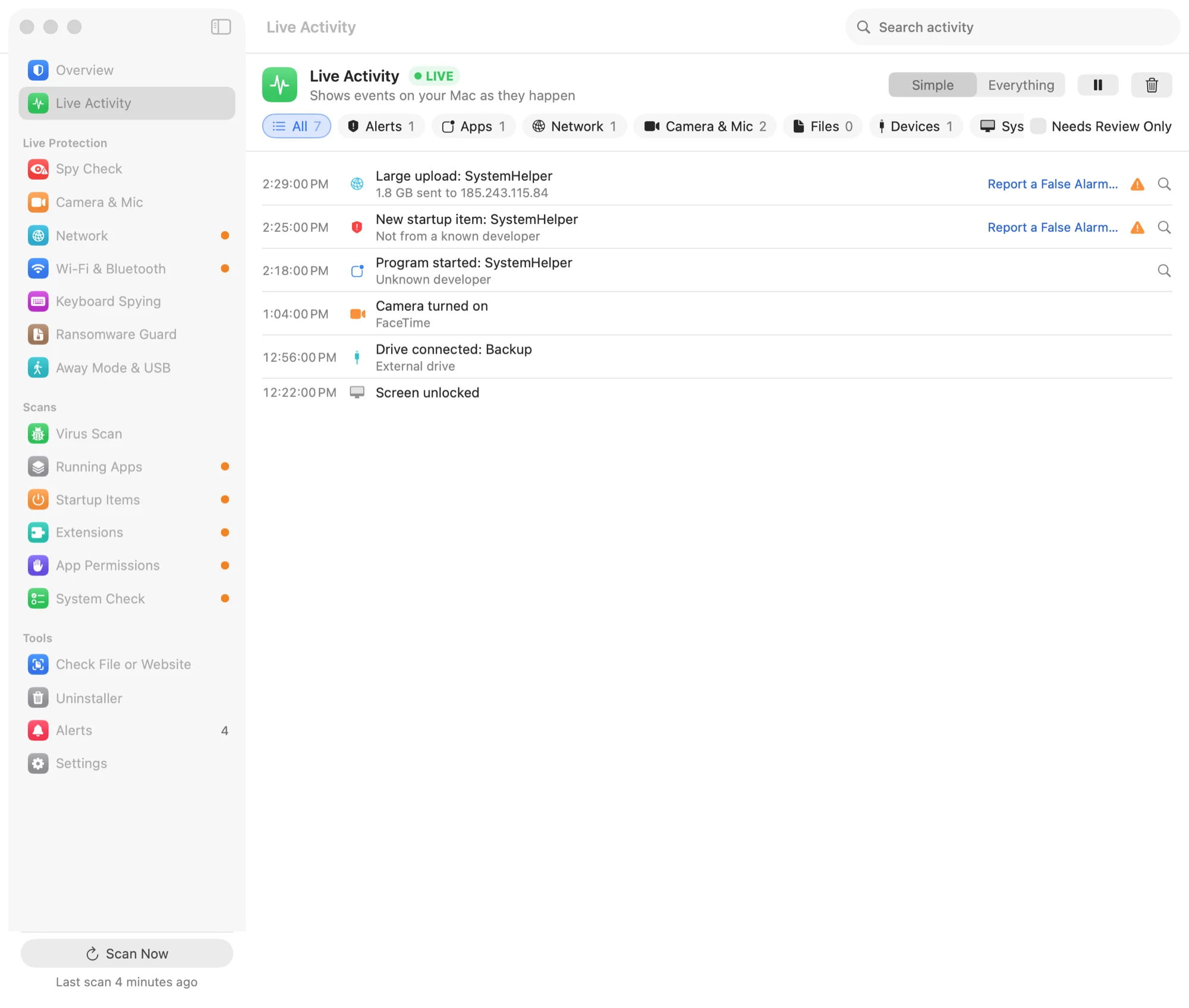
After setup, Aegisrook runs in the background and updates automatically.
The firewall only works from the Applications folder. macOS checks where an app lives before it lets it filter connections.
They explain what Aegisrook does, what it doesn't, and what each permission is for.
macOS asks you to approve it in System Settings, twice. The app shows which button to click each time.
This lets Aegisrook read which apps can use your camera, screen, keyboard and files. macOS keeps that list protected.
macOS 14 Sonoma or later, on Apple silicon or Intel. No other software and no account.
Each one unlocks something macOS deliberately protects. Each screen says what it's for, and the app still works, with less to show, if you say no.
Drag Aegisrook to the Trash. It offers to turn off its firewall and delete its own data on the way out.